For ecommerce & procurement teams
Your sourcing desk.
From search to ship.
Find suppliers, follow up, track goods and prepare store drafts. Keep every decision connected to its evidence.

Built around the work
a sourcing agent does daily.
Follow the product.
Keep the work together.
Start with a search. Add the next operation when the product is ready for it.
- Find & selectA source-linked shortlist
- Ask & compareA bilingual inquiry and replies
- Sample & approveThe version you agreed on
- Receive & shipGoods, quotes and packing
- Prepare to sellPhotos, copy and channel drafts
Take the repeat work off your list.
Move from scattered messages and spreadsheets to a connected sourcing project.
A product clue becomes a supplier conversation.
Search 1688, select candidates and prepare an inquiry with the questions your buying decision needs.
- Keyword, product link and public image search
- English titles with original Chinese evidence
- AI comparisons, bilingual drafts and reply summaries
Keep the approved version close to the order.
Manage samples, packaging revisions and production decisions with a clear trail of what was reviewed.
- Golden sample and packaging approvals
- Production milestones and release checks
- Inspection records, documents and activity history
Know what arrived. Decide what ships together.
Track each supplier lot at its warehouse, then compare forwarder quotes for a combined shipment.
- Ordered, accepted, rejected and dispatched quantities
- Consolidation snapshots and packing worksheets
- Dimensional-weight costs and comparable quote rankings
Prepare a SKU once. Reuse the work.
Keep shot briefs and reviewed images with the product, then prepare the handoff to your selling channels.
- Sample images, photo tasks and permission review
- Shopify and WooCommerce draft CSV exports
- Column mapping for Amazon and Walmart seller templates
Explain the cost. Show the next decision.
Bring sourced charges into a per-unit worksheet and download a project update your client can review.
- Documented charges, manual exchange rates and cost snapshots
- Unknown fees stay visible rather than becoming zero
- Printable client reports with decisions, replies and stock
See a working sourcing desk.
Open a populated, read-only account and inspect the records behind the workflow.
Explore demo →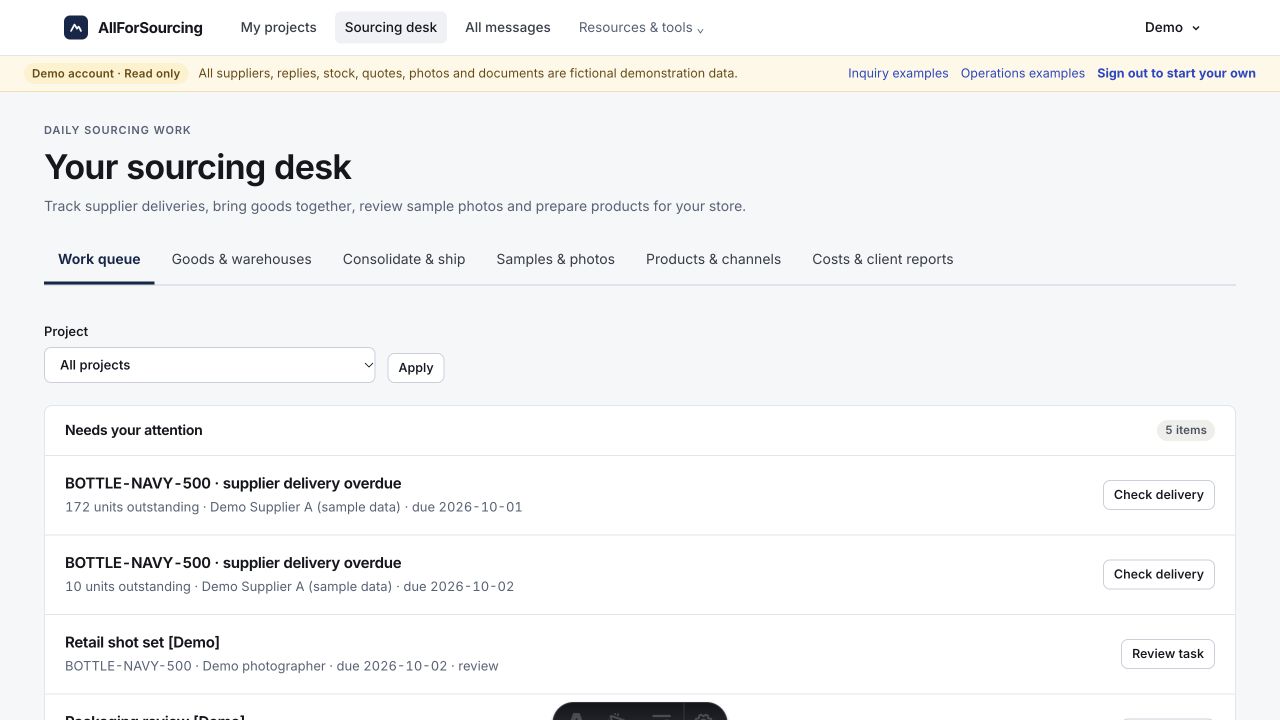

AI does the reading.
You make the call.
Translate Chinese titles, organize supplier answers and draft focused follow-ups. Keep original wording and missing details beside the result.
- Evidence stays visible
- Listing claims, supplier replies and documents have different evidence labels.
- Approvals stay explicit
- Review messages, samples, packaging and production decisions before committing.
- Your channels stay under control
- Store handoffs create drafts. Stock records and marketplace publishing remain separate decisions.
Start with the task
you repeat every week.
Bring one product or one sourcing bottleneck. Define the inputs, review point and useful output for a focused pilot.
Before you get started.
What is inside the demo account?
Log in with username demo and password demo. Explore three fictional sourcing projects, supplier replies, approvals, goods at two warehouses, forwarder quotes, photo reviews, product profiles, cost worksheets and downloads. The shared account is read-only.
Does keyword search return real 1688 products?
The live workspace searches indexed 1688 listings, collects available listing details and keeps source links. AI can translate the titles and help compare candidates. Coverage depends on the search and collection providers; missing fields remain marked.
Will AI contact suppliers or place orders by itself?
Review bilingual drafts before sending. Supplier messaging needs your approval and a working messaging connection; manual handoff is available when disconnected. AI does not authorize orders, payments or production.
Can I publish directly to my store?
Shopify and WooCommerce draft adapters are implemented and require a server-side store connection. CSV draft exports work without one. Amazon and Walmart exports fill your uploaded category template; review and platform validation are still required. Nothing is auto-published.
Are logistics prices and suppliers verified?
Forwarder costs come from quotes you enter. Rankings compare matching currency, coverage and duty terms. Listings and supplier replies are evidence with distinct labels; they do not amount to independent supplier, product or compliance verification.